

-
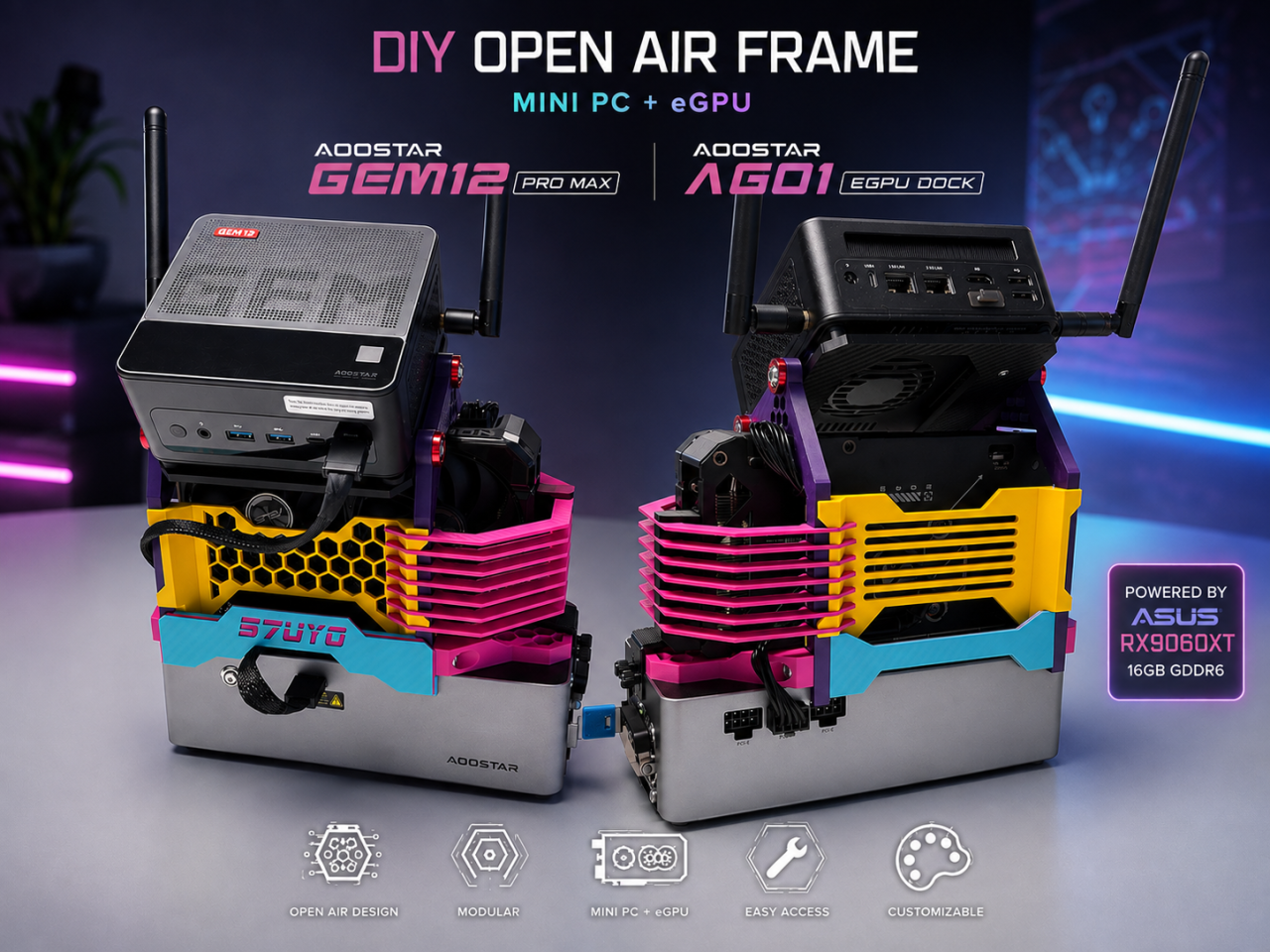
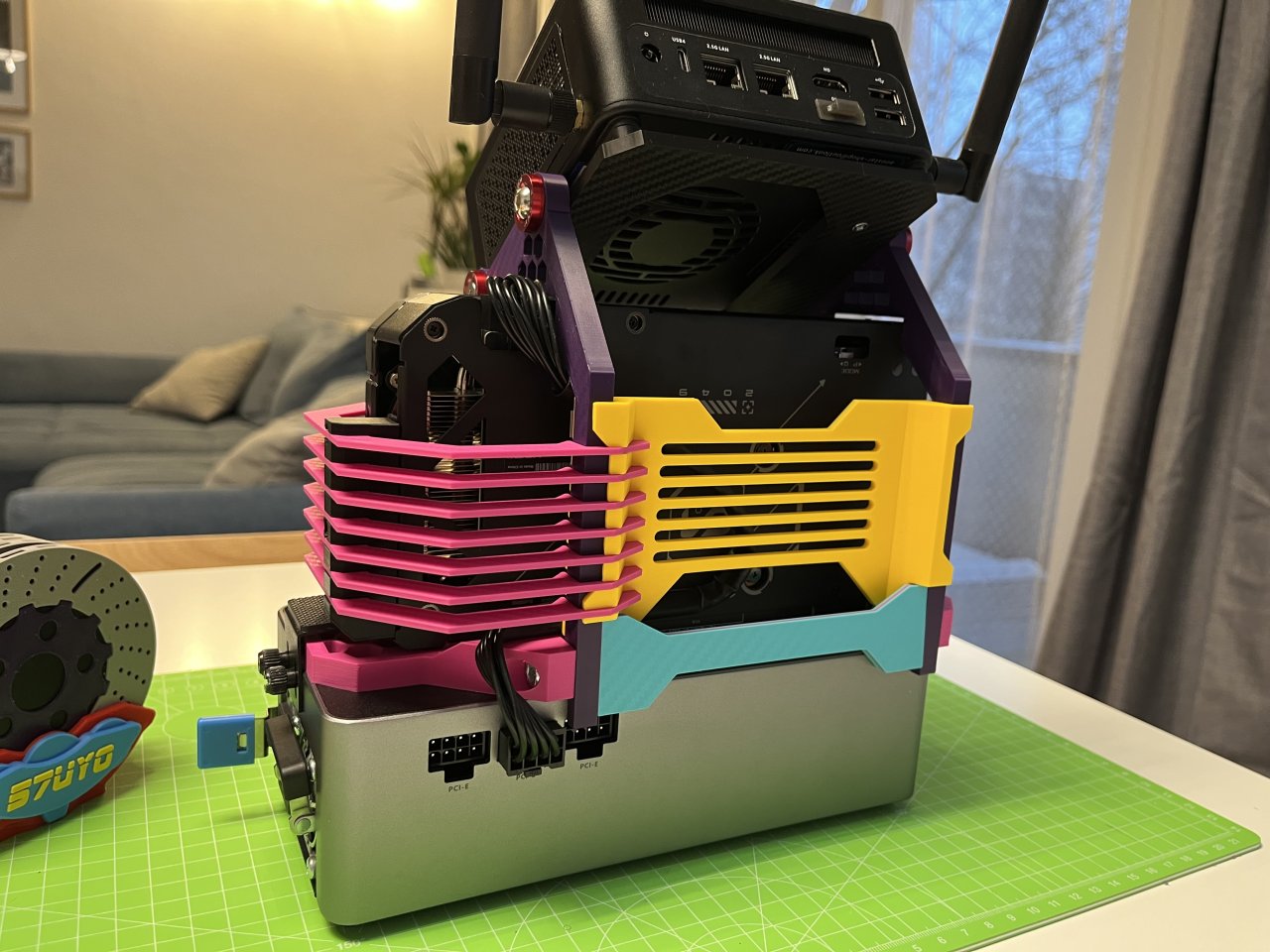
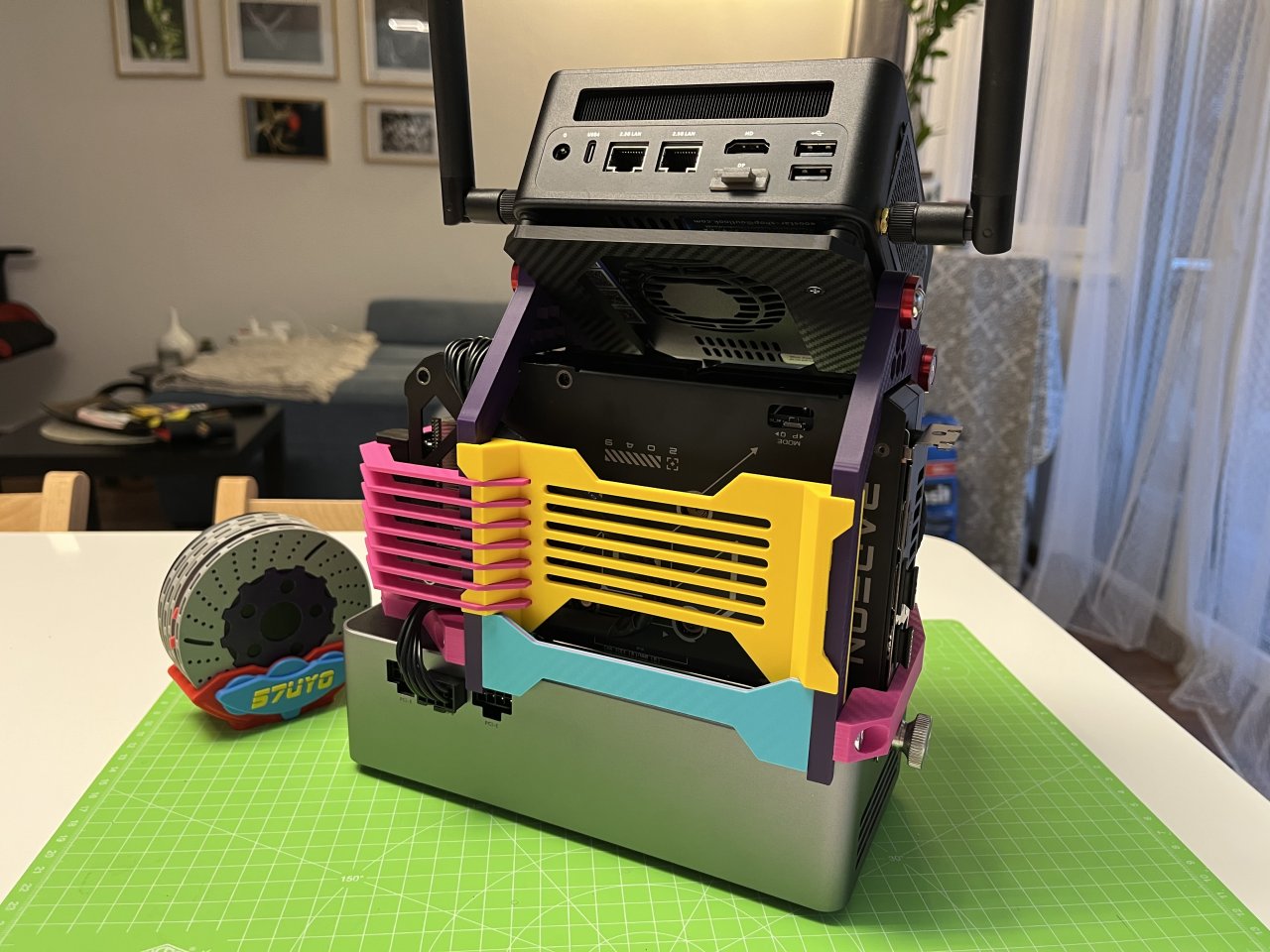
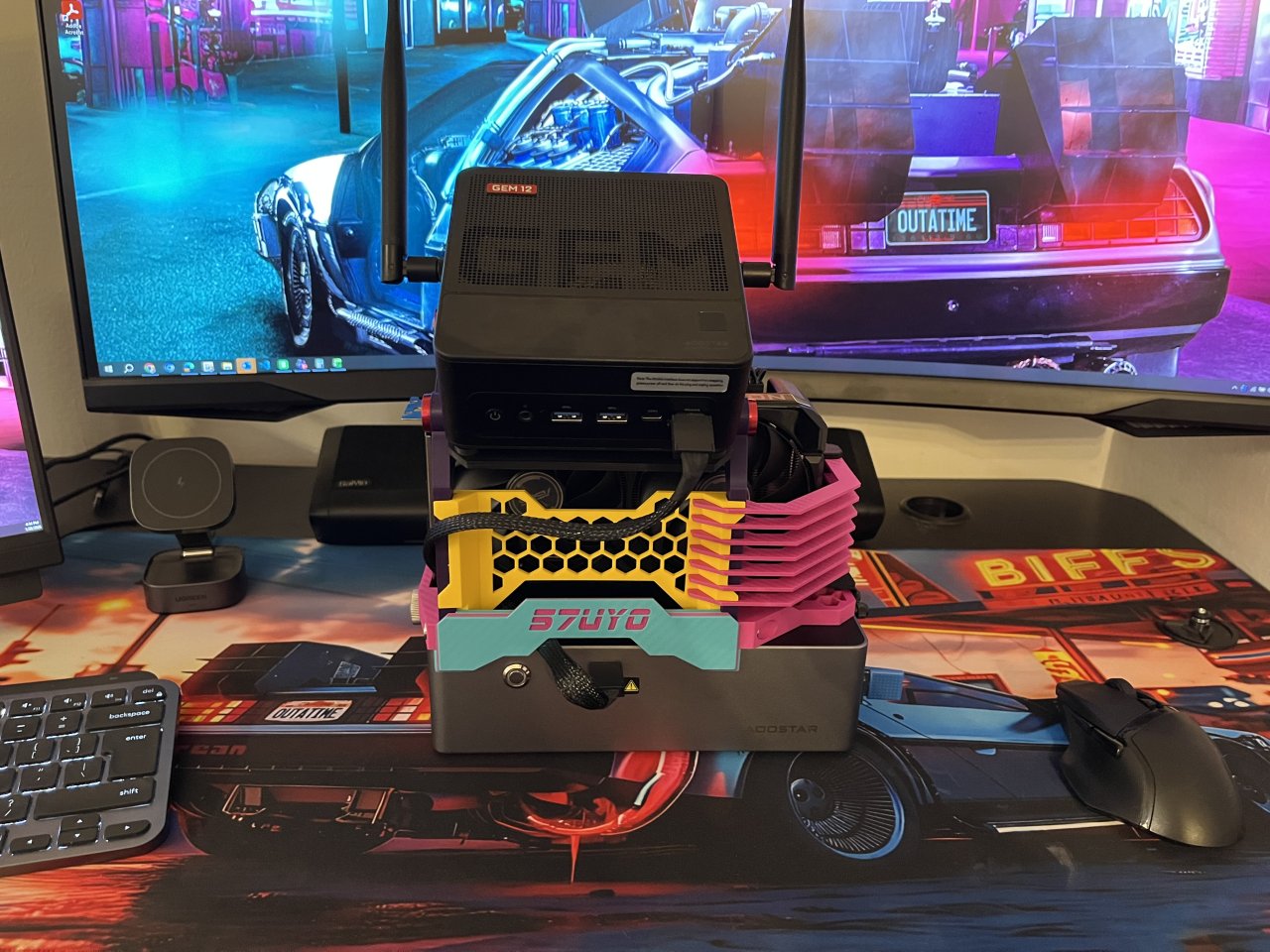
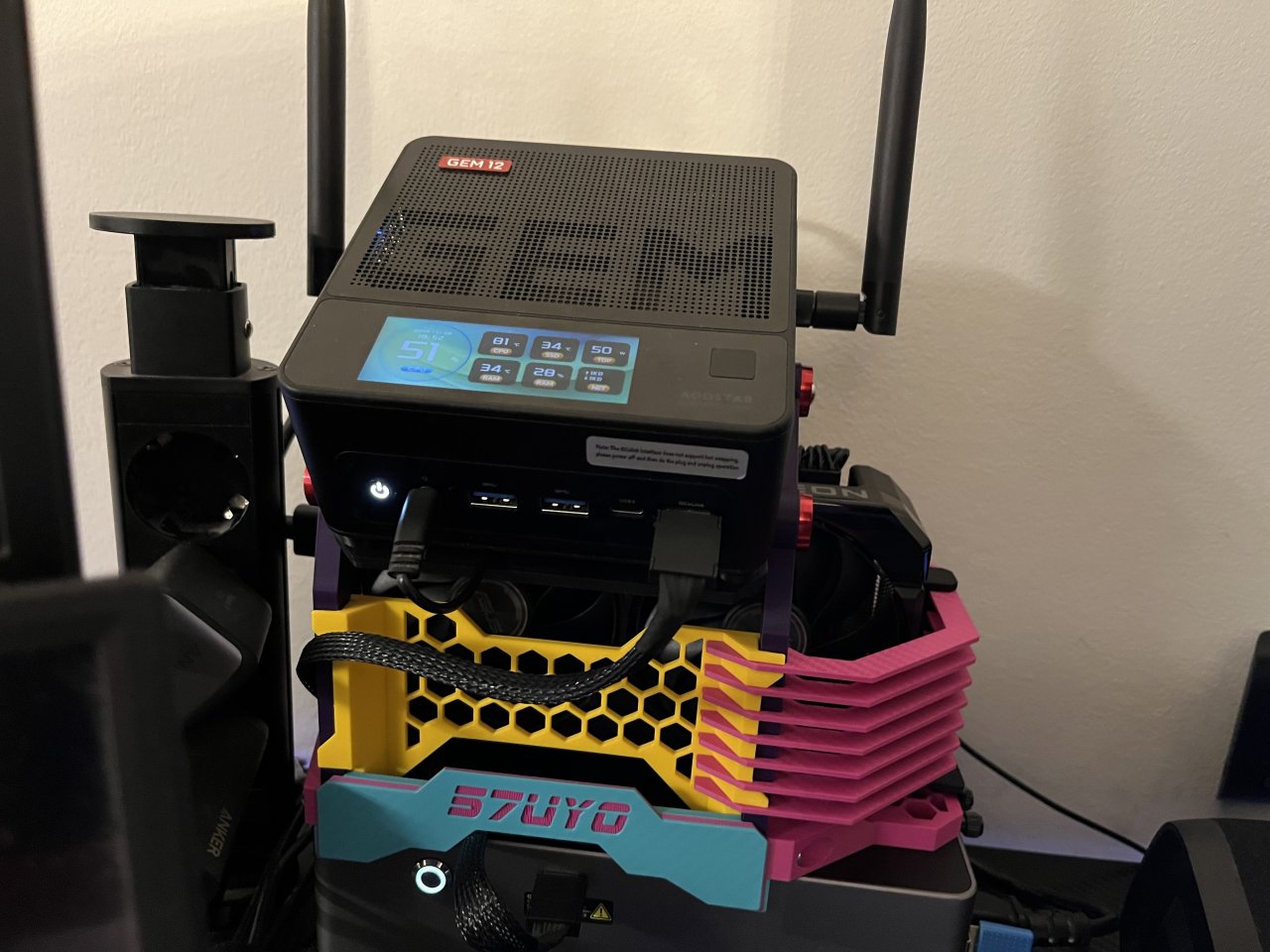
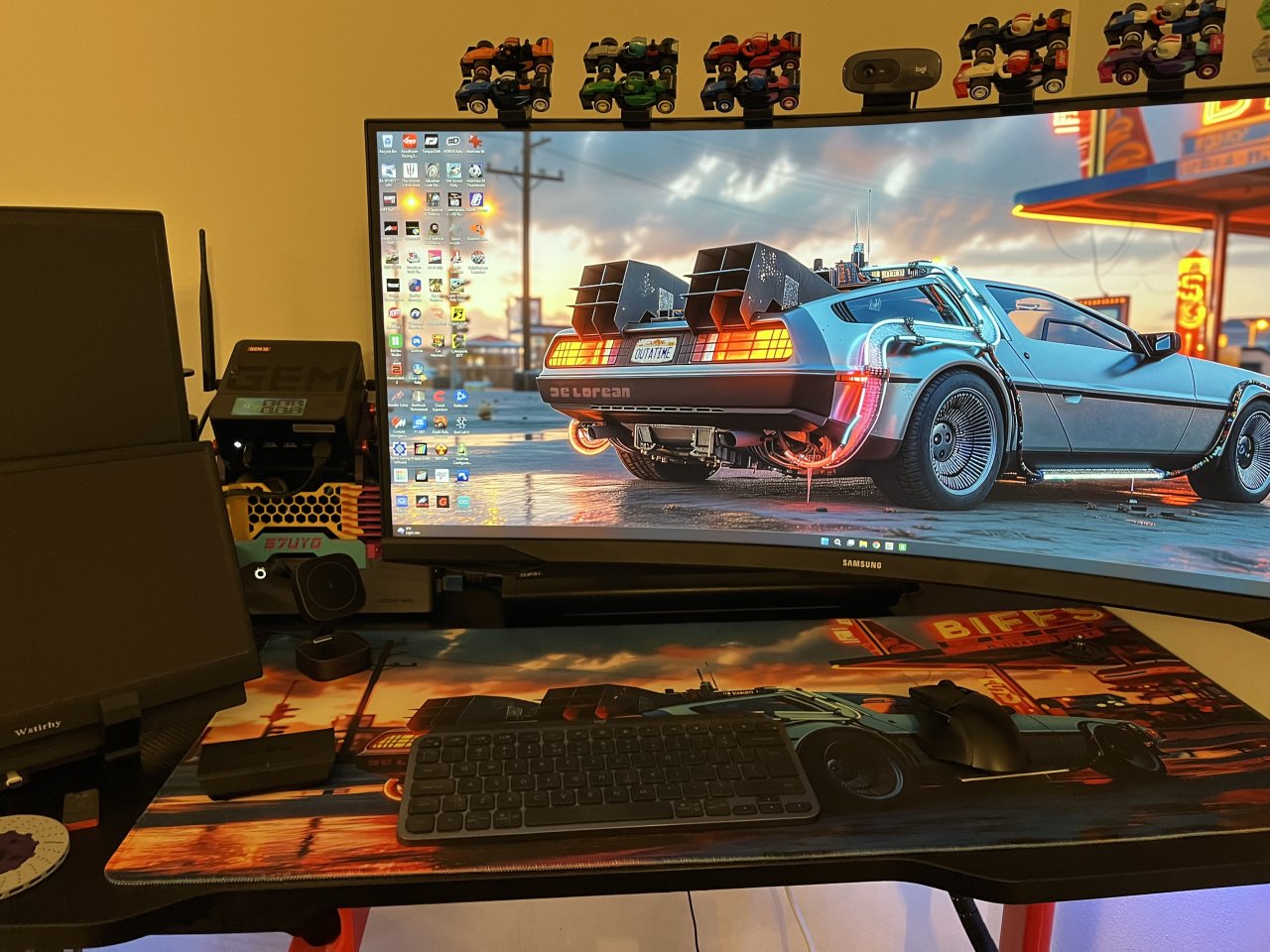
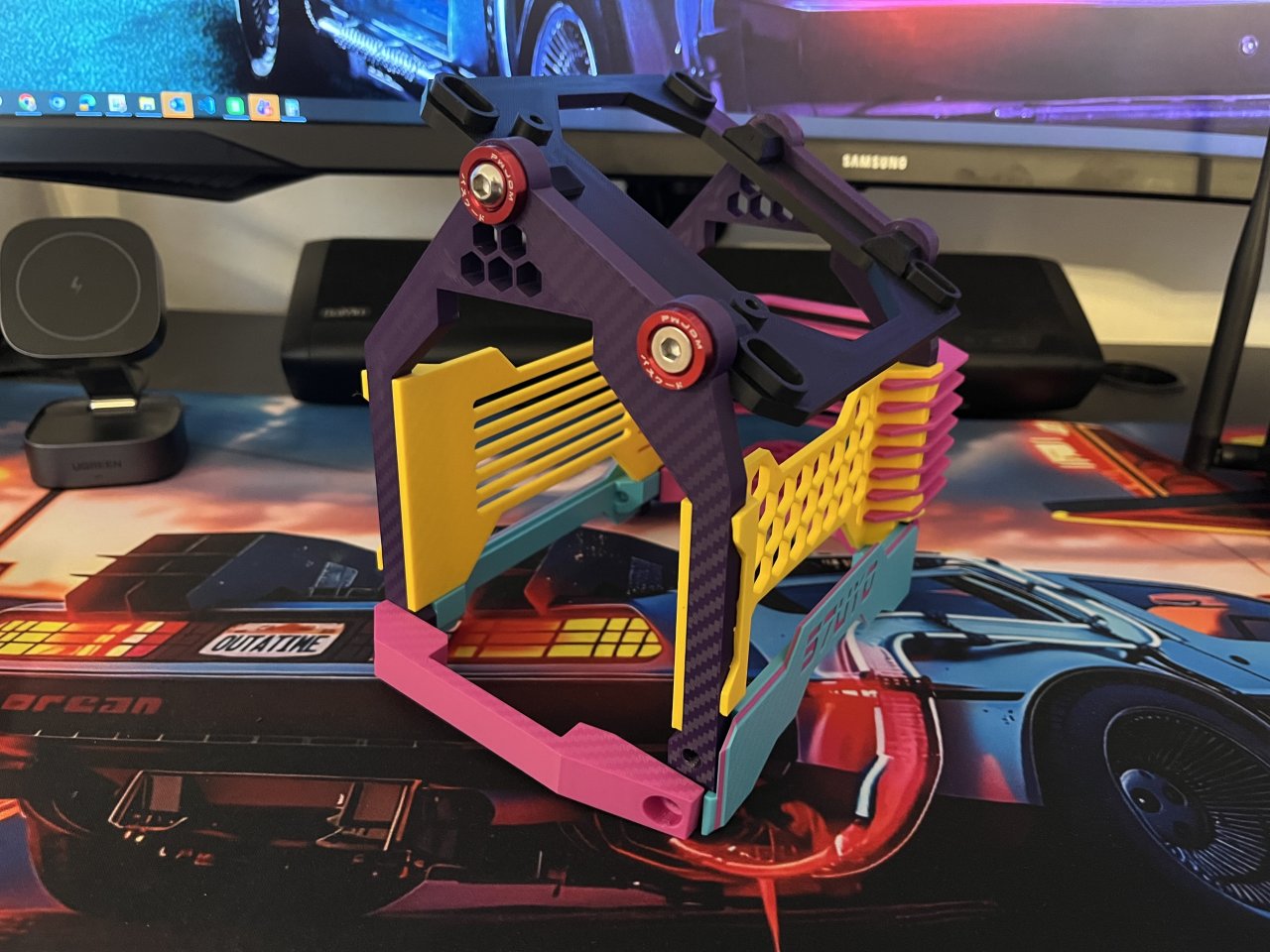
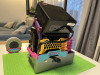
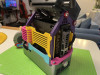
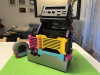
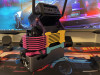
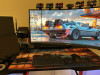
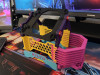
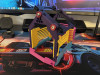
Turn the Aoostar GEM12 Pro MAX + AG01 eGPU Dock into a compact, integrated open-air system with this mostly 3D-printed DIY frame.
The idea behind the project is simple: use the hardware that already comes with your devices and print almost everything else. The frame requires very little additional hardware, making it an affordable and straightforward build without a long list of special screws, brackets or components.
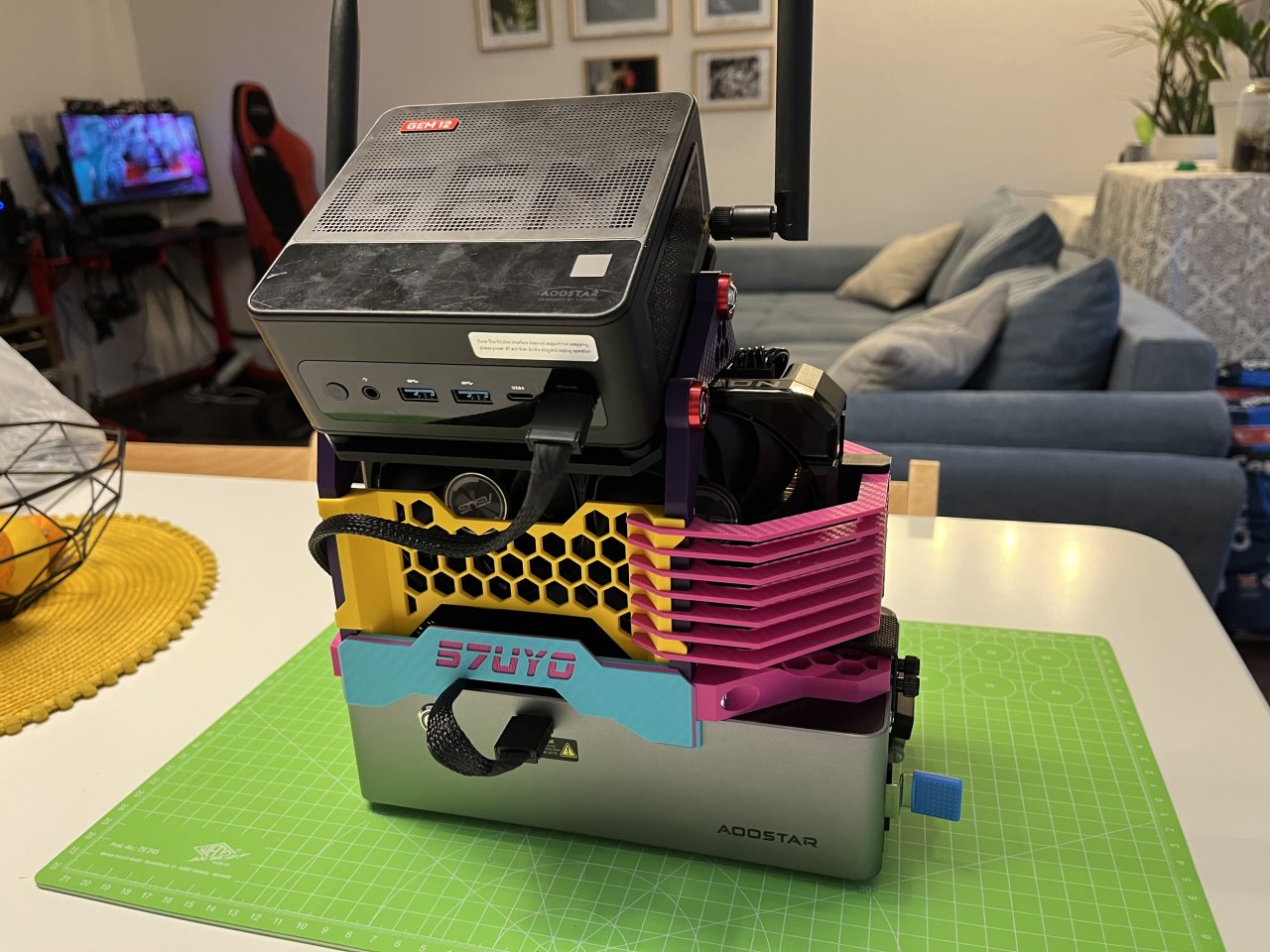
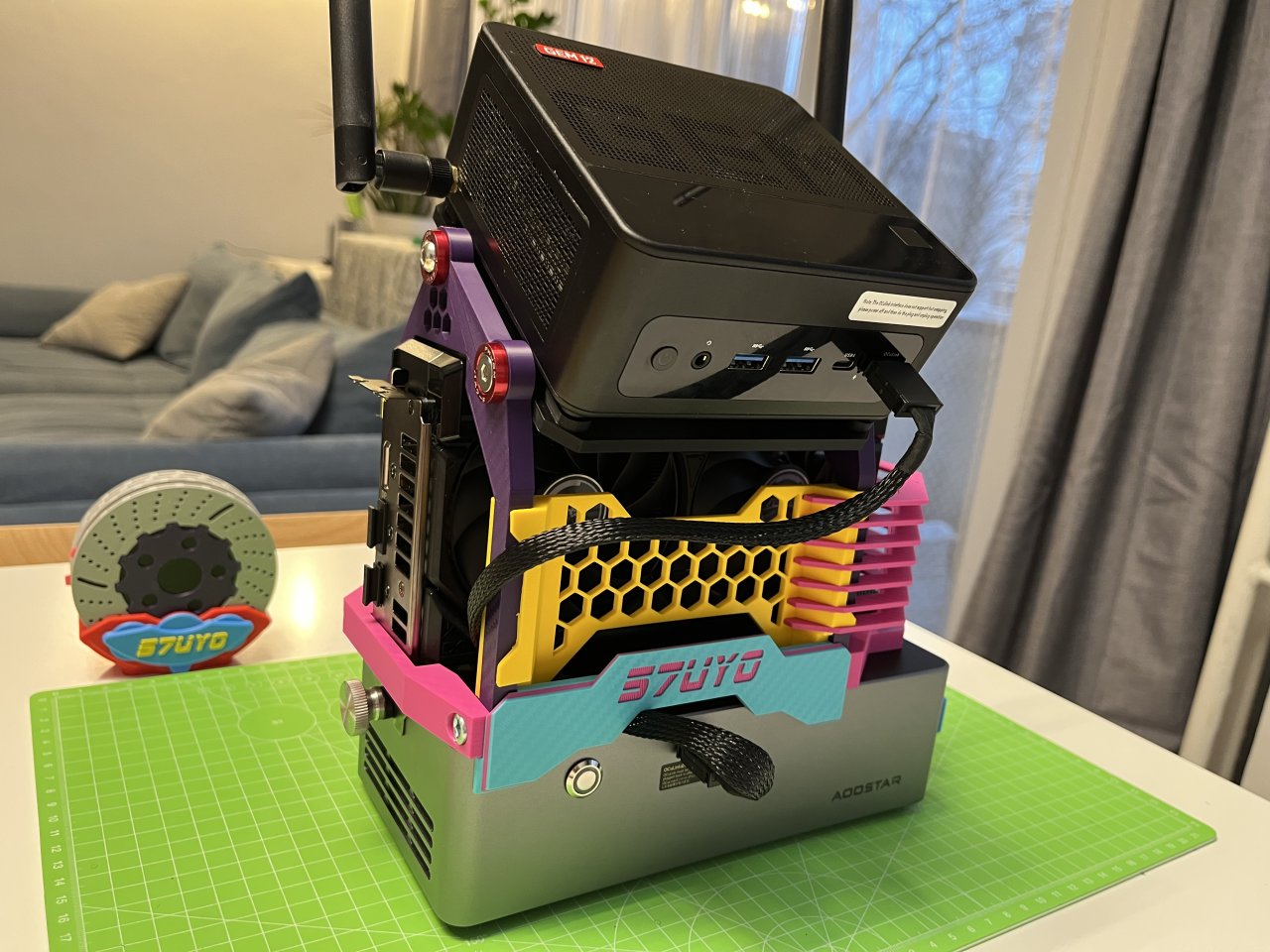
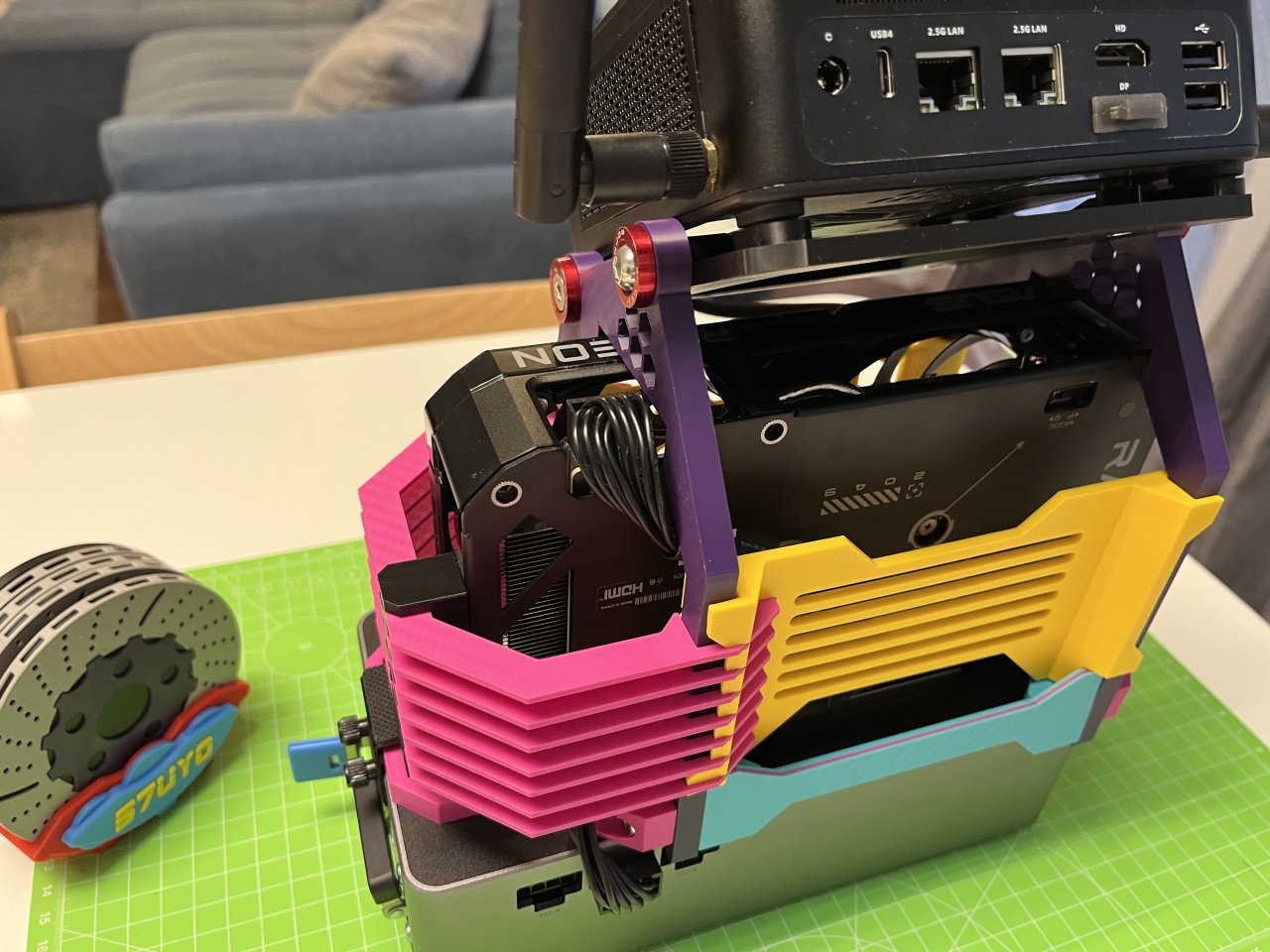
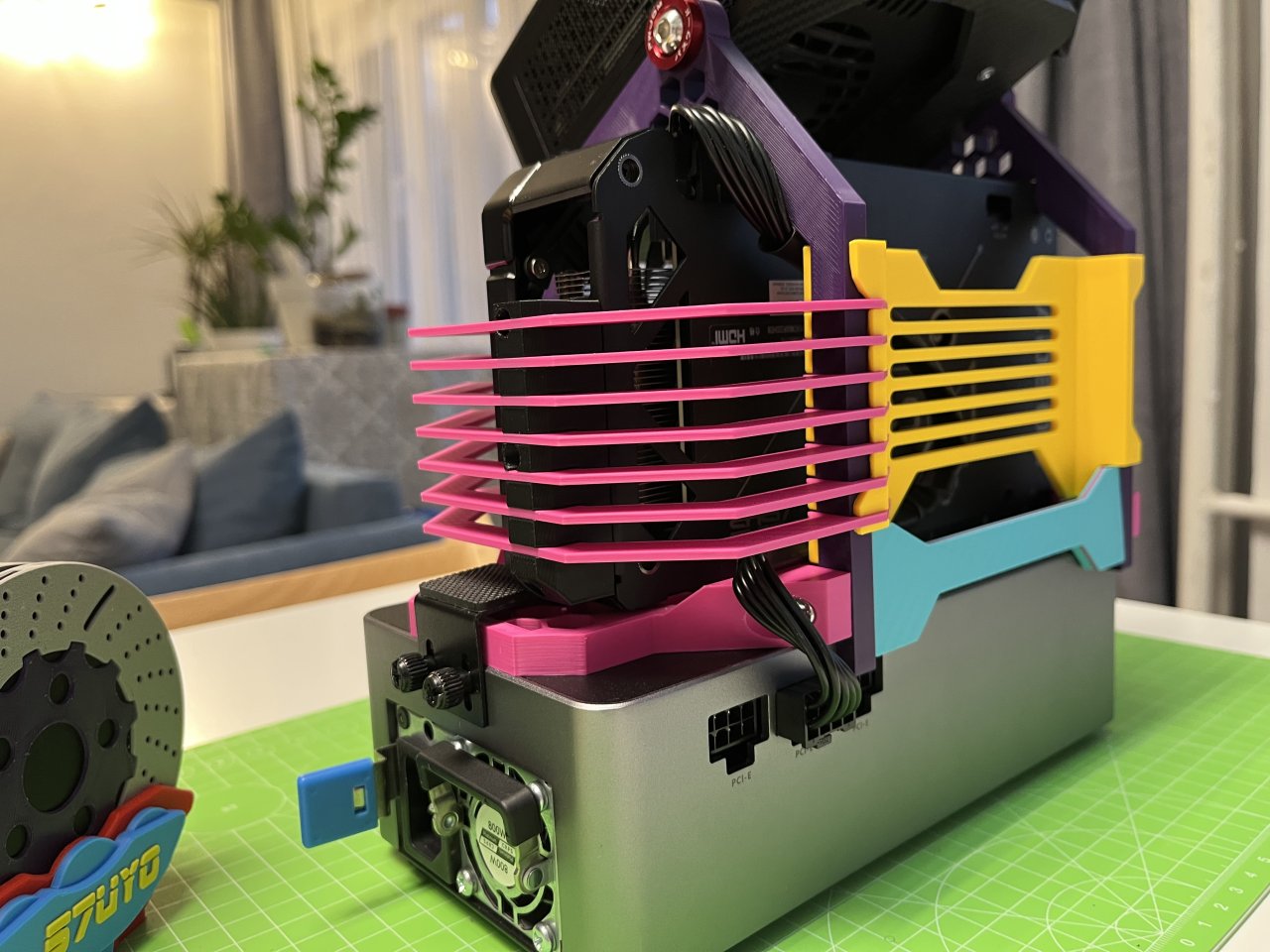
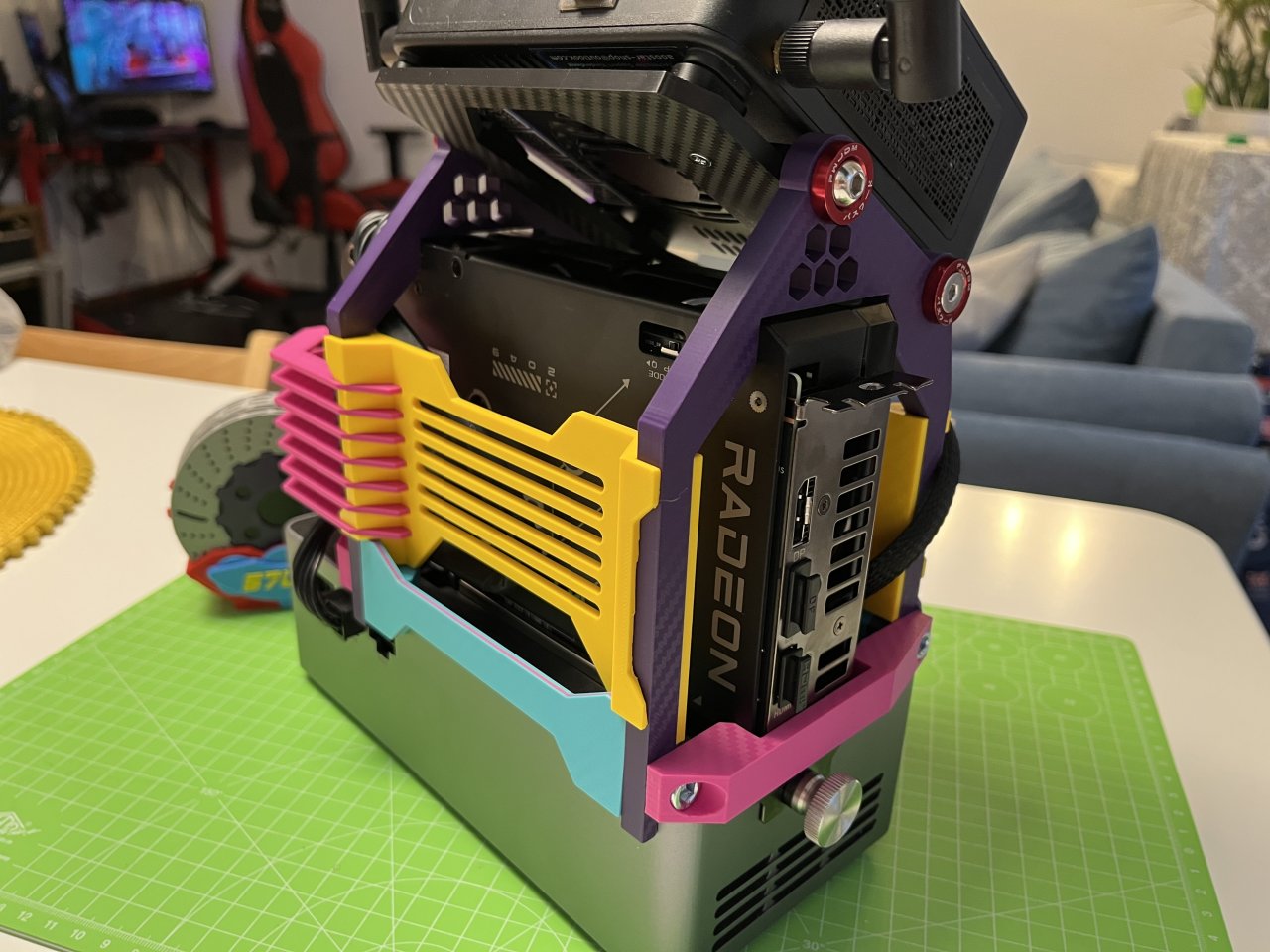
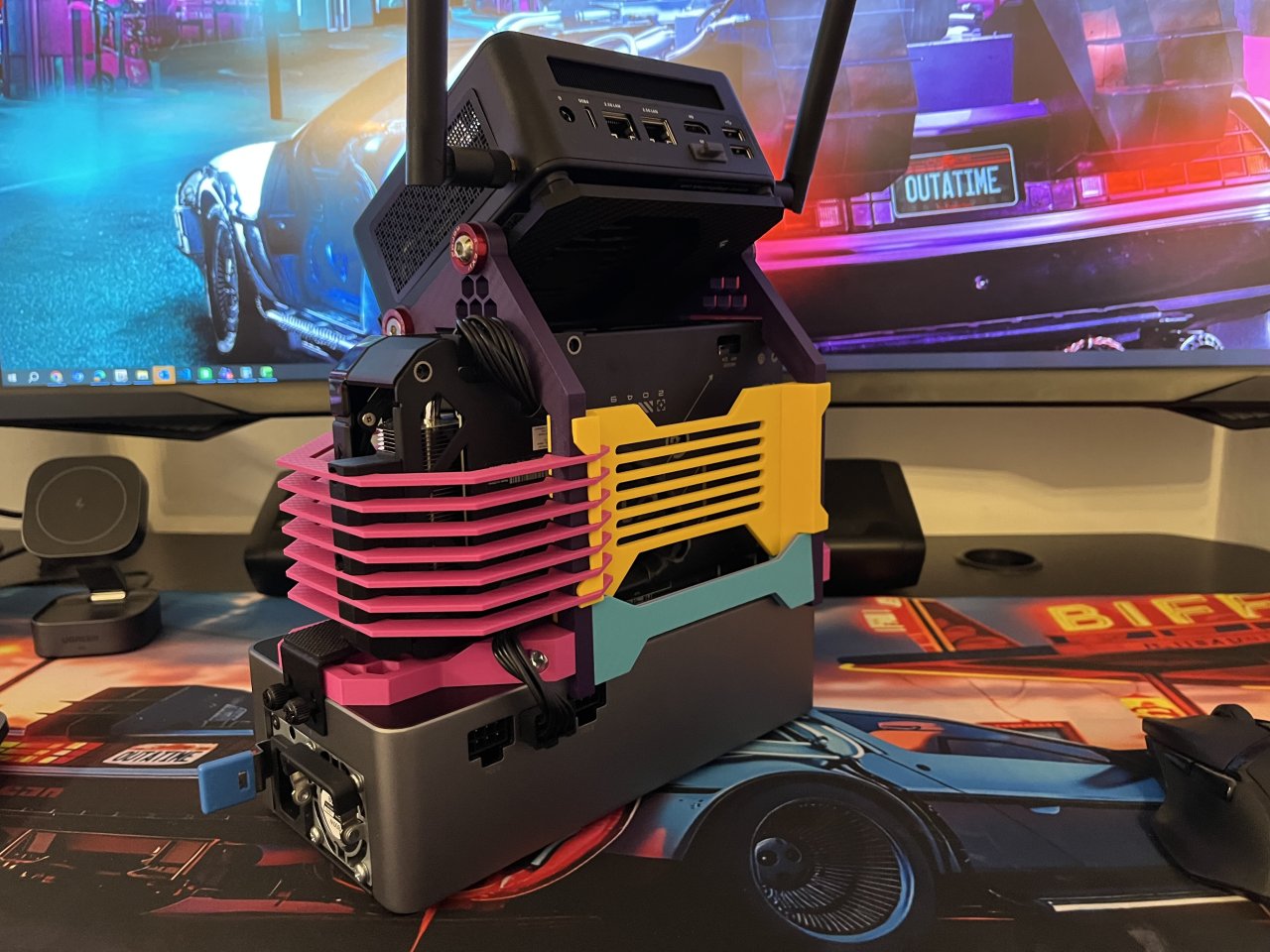
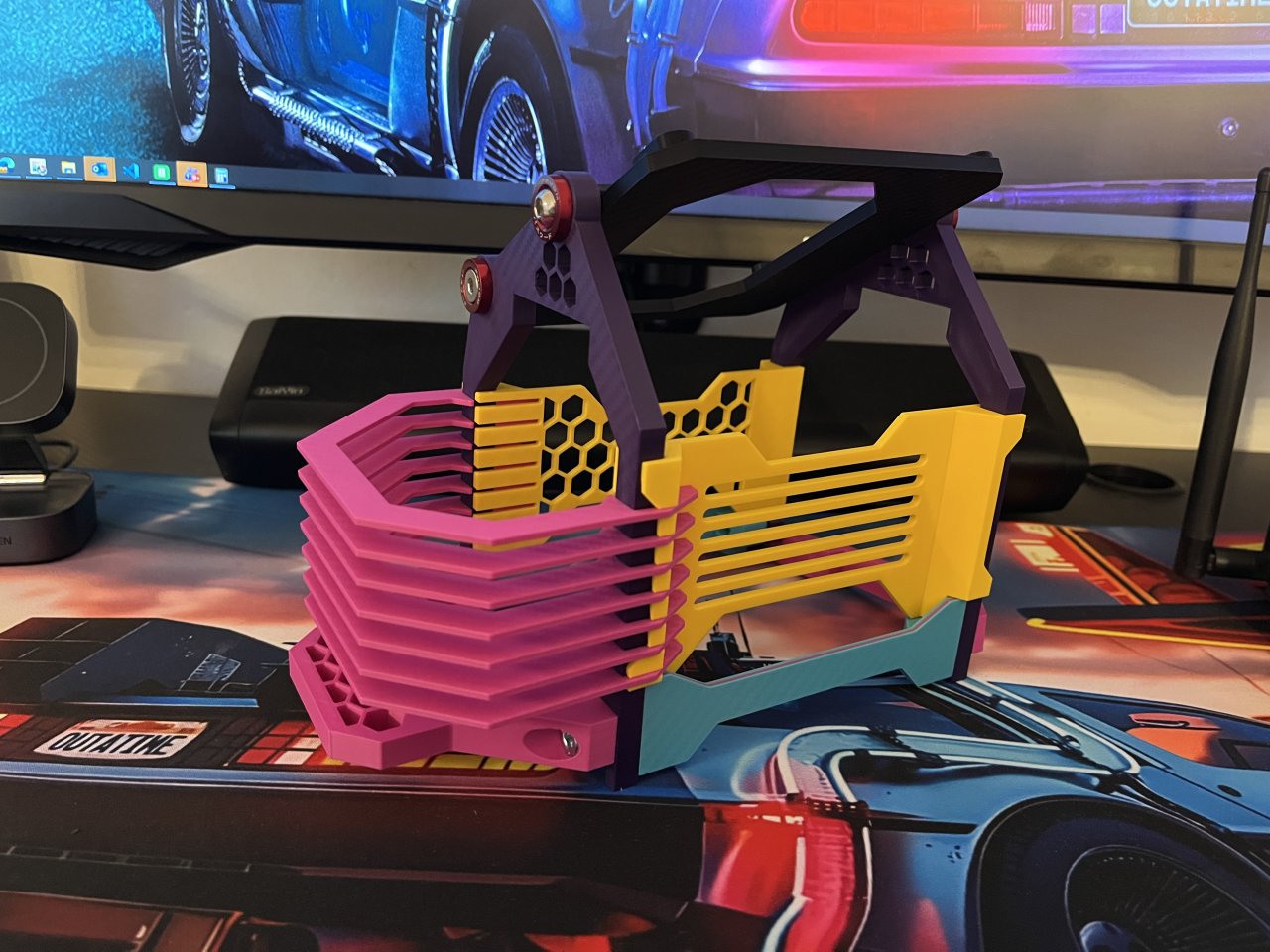
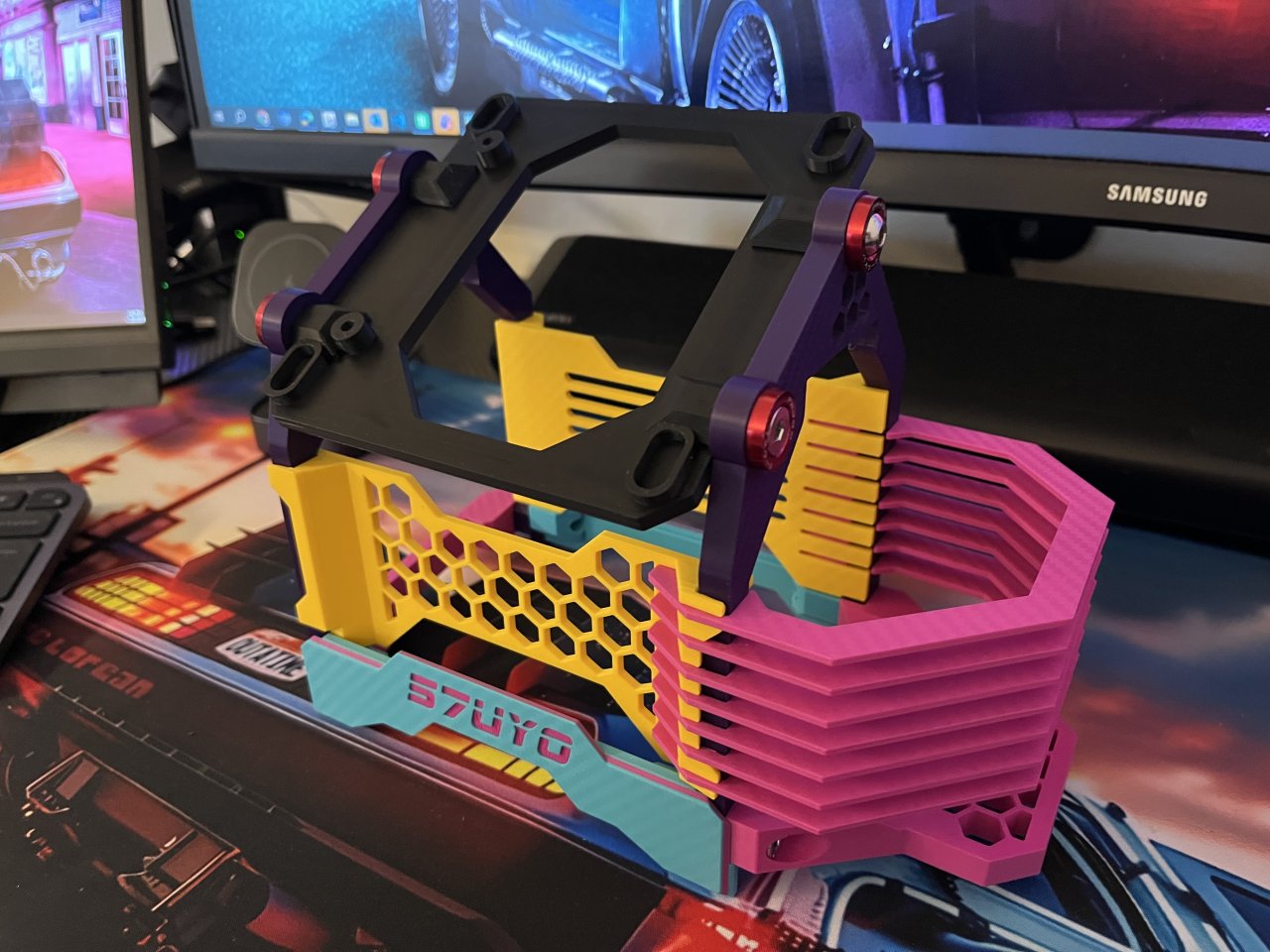
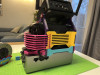
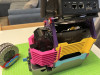
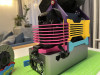
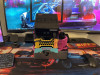
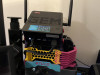
Designed specifically around the Aoostar GEM12 Pro MAX mini PC and Aoostar AG01 eGPU Dock, the frame combines the mini PC, eGPU dock and graphics card into one compact vertical package while keeping the hardware open, accessible and well ventilated.
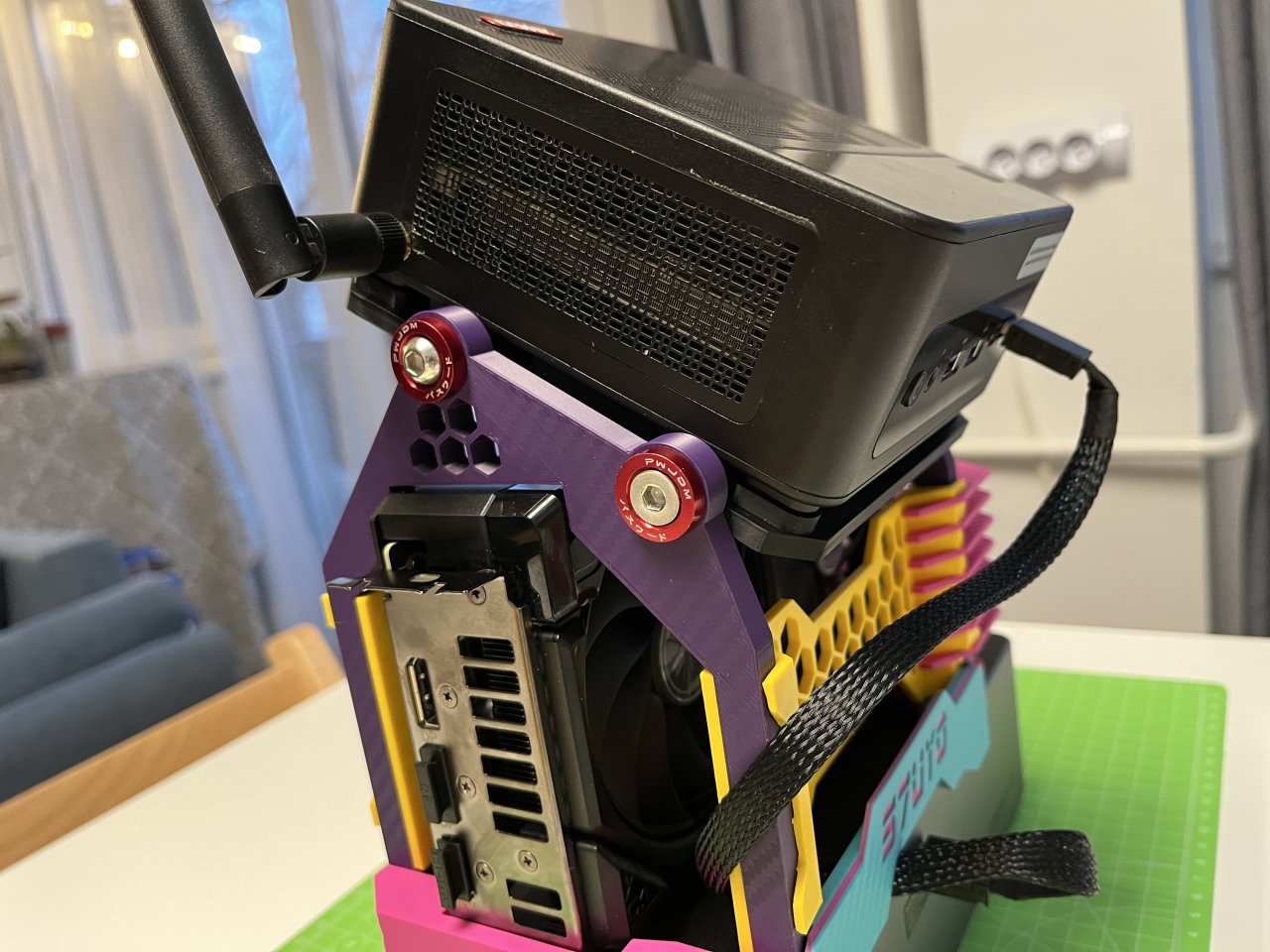
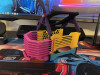
My build is shown with an ASUS RX 9060 XT, with the GPU protected by the distinctive printed side structure while still maintaining the open-air character of the system.
Key features:
- 🖨️ Mostly 3D printed — minimal additional hardware required
- 🔩 Makes use of existing hardware supplied with the Aoostar devices wherever possible
- 🖥️ Designed for Aoostar GEM12 Pro MAX + AG01 eGPU Dock
- 🎮 Tested with ASUS Dual Radeon RX9060XT
- 🌬️ Open-air layout for unrestricted airflow
- 🛠️ Easy access to the PC, GPU, dock, connectors and cables
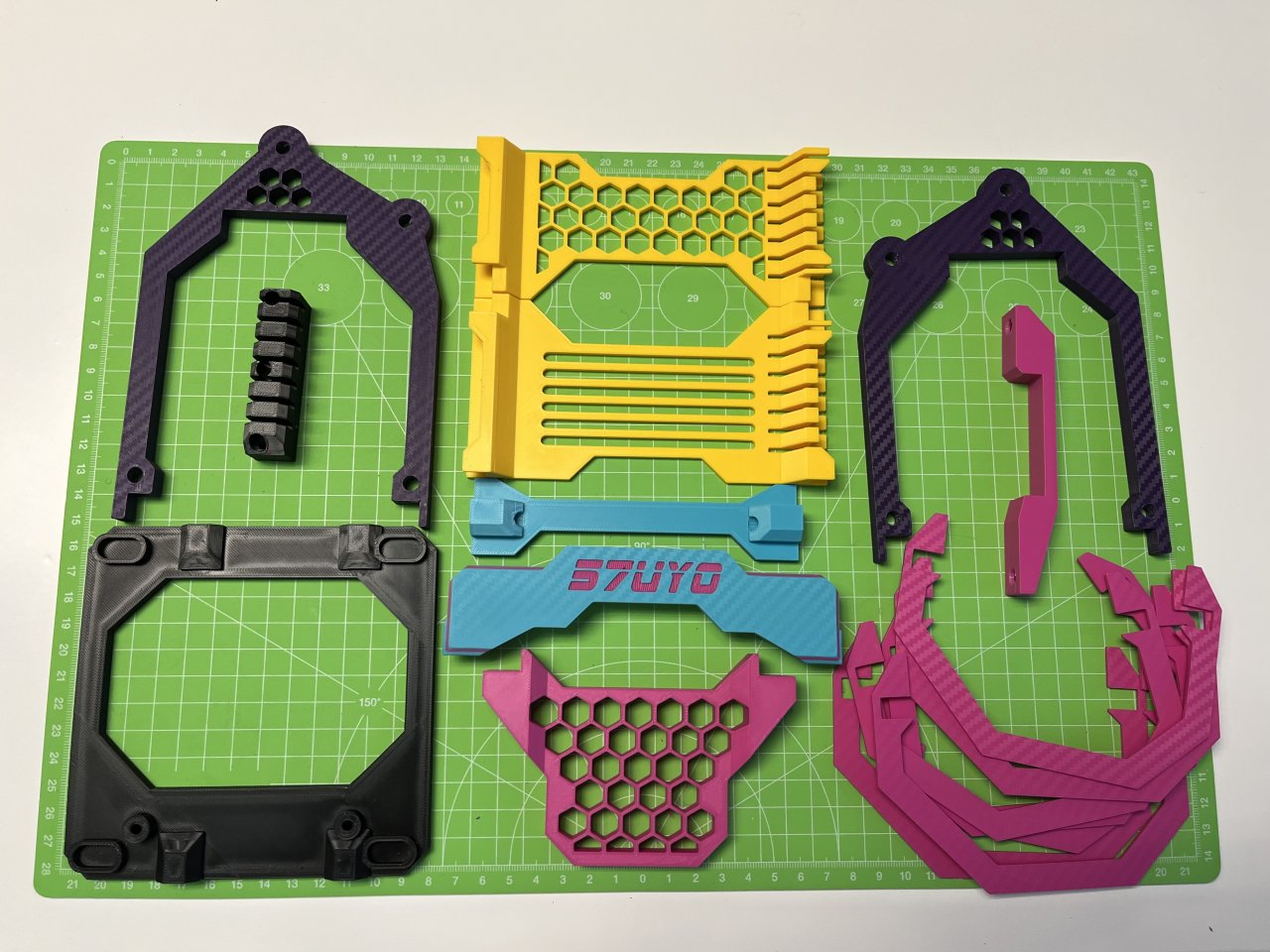
- 🎨 Individual parts can easily be printed in different colors for a completely custom look
- ✏️ Link to Tinkercad source included for further edit
Built to be modified
Although the current design is purpose-built for this particular hardware combination, I want this to remain a DIY project rather than a locked-down product.
Along with the printable files, you’ll get access to the Tinkercad source designs, allowing you to modify the parts, change dimensions and experiment with adapting the concept to other GPUs or hardware.
Print it. Build it. Modify it. Make it yours.
-
Parts Needed:
1. JDM Bumper Washers M6 + Screws x4 - attaching the GEM12 mount plate to side frame
2. M6 Socket Bolts 30mm x4 - keeping together the lower section
3. M3 Countersunk Screws 16mm x3 - attaching the fin guide to the Asus Dual RX9060XT
The rest of the screws and mounting hardware came with the Dock and GEM12 Mini PC
Print Settings:
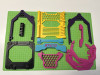
All was printed in PLA, still holding up - seems not to have issues with heat
I used 6 perimeters, also 6 bottom/top layers and 25% Gyroid infill for extra rigidity
Parts are oriented in the way they should be printed, no supports needed
Comments (0)